The short answer
An AI recruiter gives reliable answers only when it works from managed, up-to-date vacancy knowledge. If the answer isn't there, it says so explicitly and hands off to a human. That's how you prevent candidates from receiving incorrect information about salary, contract, or terms – and how you stay in control.
Bring one vacancy. In 30 minutes, we discuss where your recruitment is getting stuck, which approach could fit and your recruitment fee.
Why AI makes things up when the knowledge base is missing
An AI recruiter is only as reliable as the information it draws on. Without clear vacancy knowledge, it fills gaps with assumptions – giving candidates false expectations about salary, contract type, or working hours. The fix isn't smarter AI; it's a managed knowledge base that the AI uses as its sole source.
Managed vacancy knowledge: what belongs in it
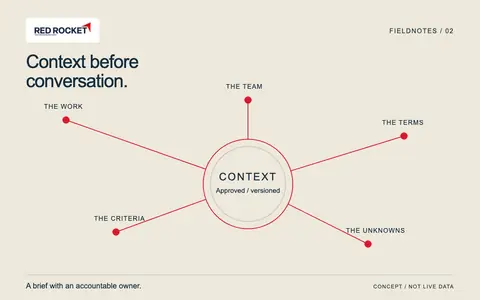
Good vacancy knowledge includes at minimum: role content, requirements, employment terms, location, and procedure. Add a version date so outdated information becomes visible. At Red Rocket, organisational context – culture, team, working style – is systematically provided to the AI recruiter, so answers reflect reality.
Making uncertainty explicit: a practical example
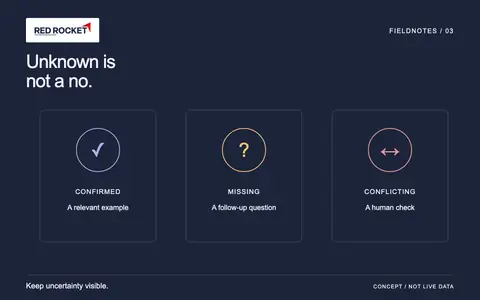
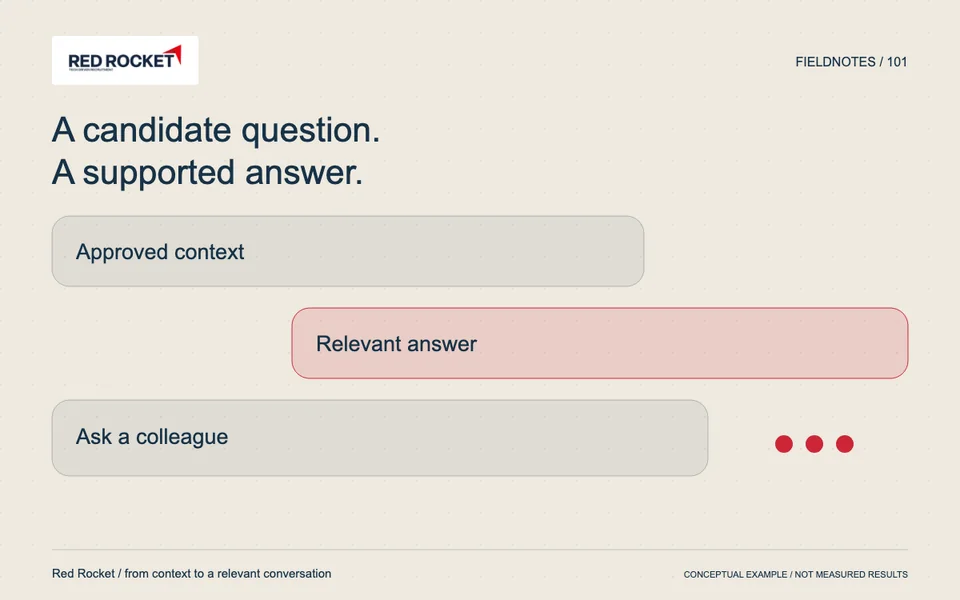
Say a candidate asks whether working from home is possible, but that's not in the vacancy. A well-configured AI responds: "This isn't specified in the vacancy. I'll pass your question on to the recruiter." That's more honest than an assumption. Candidates value clarity over a smooth but unreliable answer.
Human escalation as a safety net
Not every conversation ends with an AI answer – and that's intentional. Questions about exceptions, negotiation, or sensitive situations belong with a person. The employer or recruiter assesses and answers those questions personally. AI supports the conversation; responsibility for substantive commitments always rests with the organisation.
How to secure reliable AI conversations in practice
Work step by step: draft the vacancy knowledge, have a recruiter approve it, add a version date, and test with frequently asked questions. After every change to employment terms, check that the knowledge base is updated. Want to know how Red Rocket sets this up for your vacancy? Book a conversation and read the background on candidate communication via messaging channels for further context.
Frequently asked questions
What happens when a candidate asks something not covered in the vacancy?
The AI states that the answer isn't available and passes the question to the recruiter. That prevents candidates from receiving incorrect information.
Who is responsible if the AI gives a wrong answer?
The organisation remains responsible for the content of the vacancy and the knowledge base. That's why human oversight of the input is essential – not as a last resort, but as a starting point.
How often should vacancy knowledge be updated?
Every time employment terms, procedure, or role content change. A version date in the knowledge base makes outdated information immediately visible to the recruiter.