The short answer
Choose an image that answers a specific question about the work: the project, independent responsibility or collaboration, for example. A photograph does not prove suitability or automatically select candidates. Check that the image, vacancy and conversation describe the same offer. Compare variants on relevant conversations and progression, alongside clicks and reach.
Bring your role, region and essential criteria. In 30 minutes, we explore how to reach technical people who are not actively looking and which approach could fit your vacancy.
Start with the candidate’s question
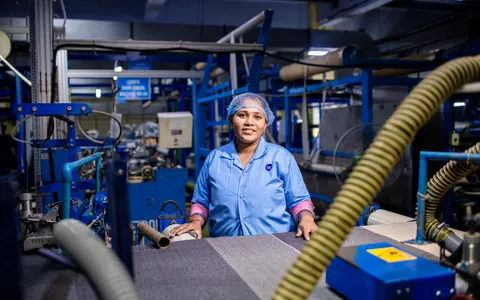
A project manager needs to understand the projects involved. A service technician needs to know the equipment and locations. A generic office photograph provides little of that information.
Write down one question the campaign image should answer, such as “What work would I do here?” Then choose a visible task, representative project or clear diagram. Copy adds the terms; an image alone never communicates the entire offer.
Develop three genuinely different angles
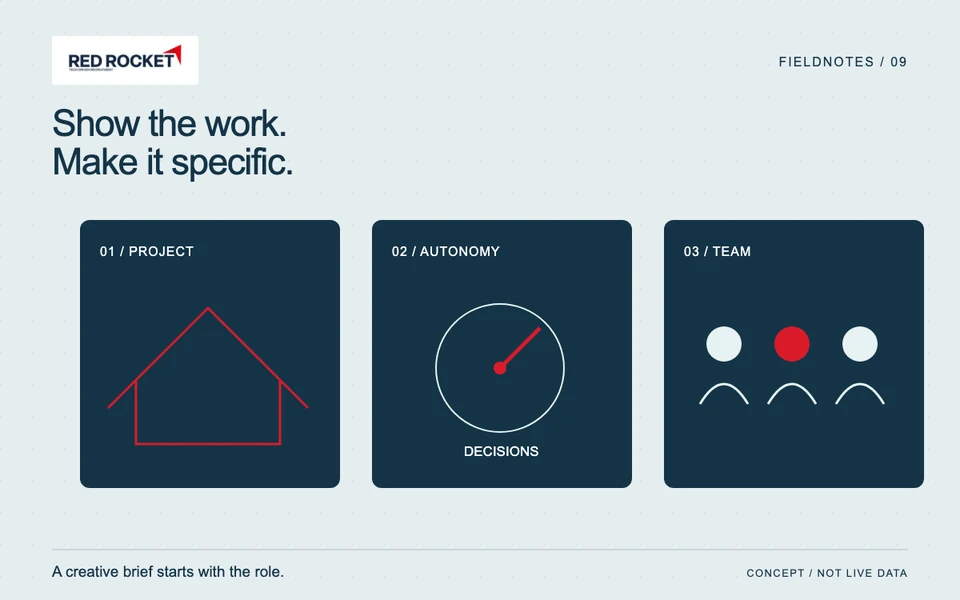
- Project: show what the person works on, using a realistic representation.
- Autonomy: make a real responsibility specific, such as a technical decision or preparing installation work.
- Team: show colleagues collaborating on a work task, with permission from identifiable people.
These are creative angles, not predictions about which candidates will respond. Do not present a fictional project as evidence or imply a stock model works for the company.
Give the maker a concrete creative brief
Fictional example: an installation company needs a work planner. The brief calls for a planning discussion with a relevant technical drawing and no legible customer details. The image should show the combination of technical work and coordination.
Record the role, candidate question, visible task, exclusions and content approver. Check equipment and protective measures with someone familiar with the work. An attractive image showing the wrong situation does not help the candidate.
Keep the route to the conversation consistent
Keep duties, location and terms consistent across the advert, vacancy and first conversation. Do not imply a design role when the work mainly concerns maintaining existing equipment. An image provides context; qualification requires role-relevant information.
Use a diagram to explain a process. Label a mock-up as an example and an AI edit as an edit. Check legibility on a phone and whether the main work context survives cropping.
Measure relevant progression, not attention alone
Compare image variants with the same offer and comparable audience. Do not change copy, terms and journey simultaneously when investigating an image’s contribution. Assess relevant conversations, qualification and personal follow-up alongside clicks.
Website attribution is incomplete when consent is absent or a booking happens externally. A click difference does not prove a hiring difference. Discuss which work your campaign should show and how to assess progression.
Frequently asked questions
Must you always use your own photographs?
Your own approved work photographs can show the specific context. Suitable licensed stock is also an option if it does not misrepresent people, customers or projects.
When is an illustration useful for explanation?
When the question concerns a process, responsibility or comparison that a single real photograph cannot show. Identify it as a conceptual example.
Does a higher click-through rate prove an image works better?
Not for your ultimate recruitment objective. Also assess conversation quality and progression. More clicks can coincide with less relevant interest.